Logins
JayLocked keeps the logins of websites and apps next to your files, and reads the password export of browsers and password managers.
 iPhone and iPad
 Android
- Mac
 Windows
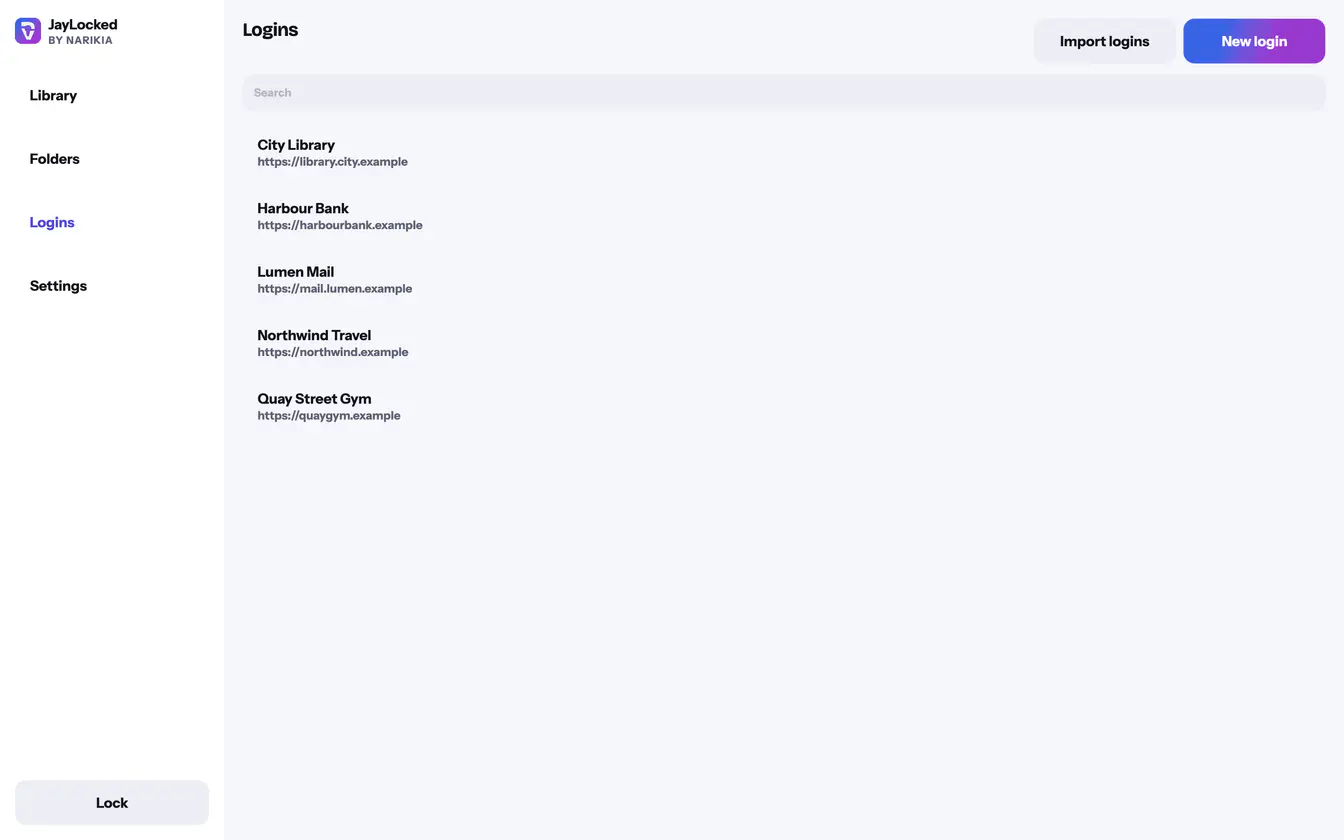
A login has a name, a website or app, a username, a password and a note, and it can lie in a folder with the documents it belongs to. The password shows as dots until you ask to see it.
Import logins reads the export file that a browser or a password manager writes: Chrome, Edge, Firefox, Google Password Manager, Apple's Passwords app, Bitwarden, 1Password, Dashlane, LastPass and KeePass. JayLocked adds every login it finds and says how many came in, how many were already there and how many rows were no logins.
That export file holds your passwords without any protection. Once they are in the vault, JayLocked asks to delete it.
- A copied password leaves the clipboard after 60 seconds.
- Suggest a strong password fills in a long random password when you make a login.
- JayLocked points out passwords that are easy to guess and passwords that more than one login uses, on the login itself and in a count above the list.
- The list of logins has a search field of its own.
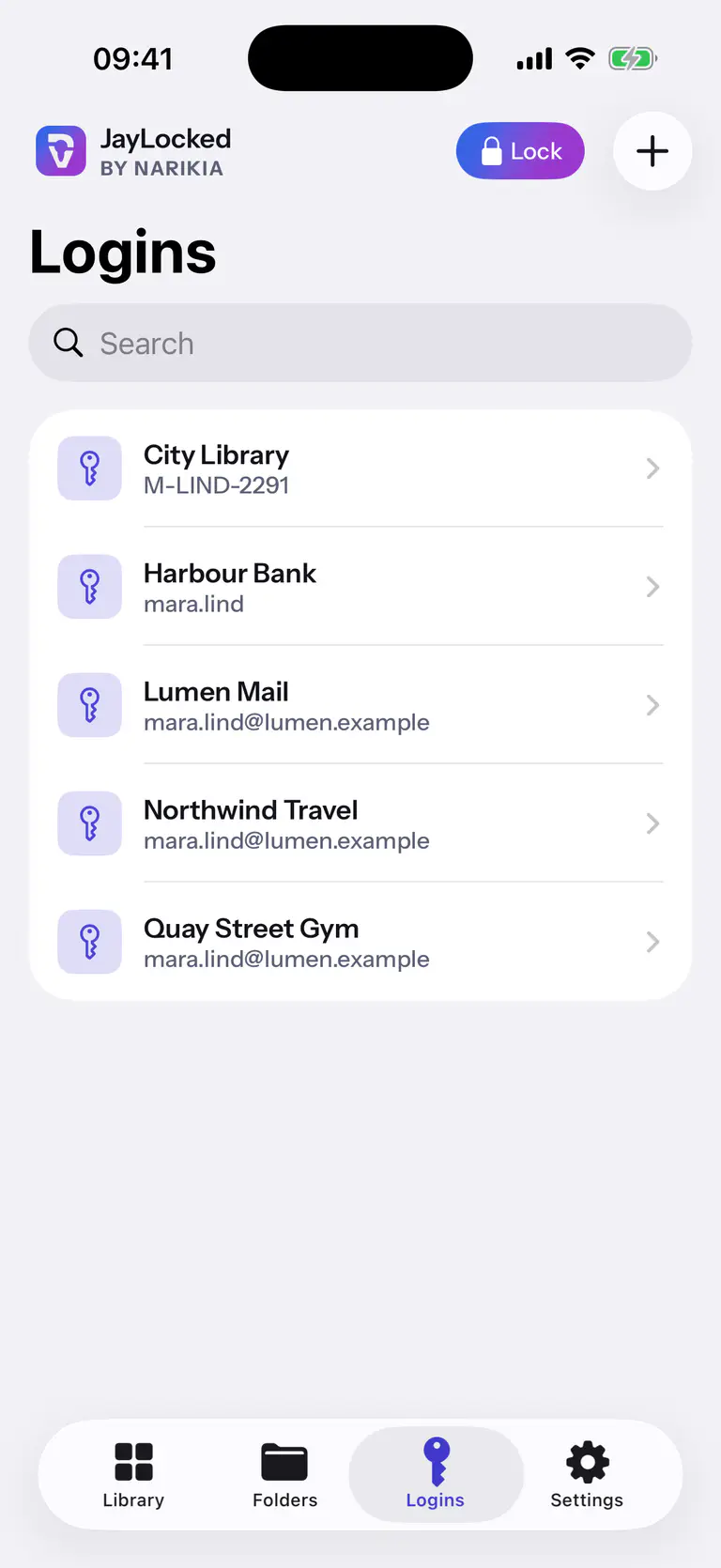
 iPhone
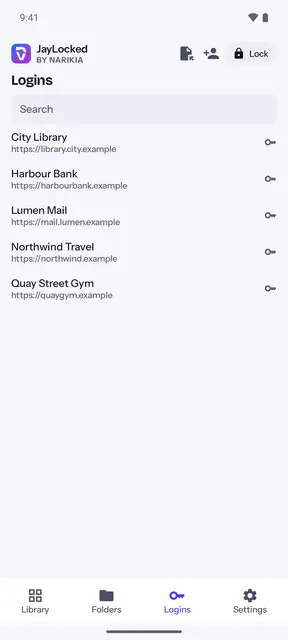
 Android
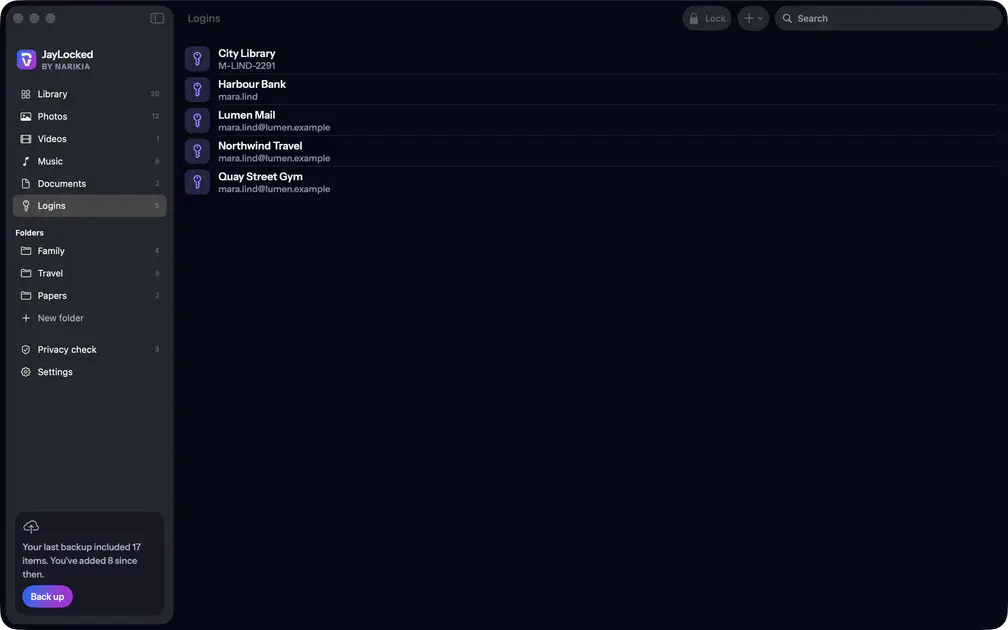 Mac
 Windows


What differs from system to system
- iPhone and iPad
- When you agree, the export file is deleted for good. A copied password is marked for this device only.
- Android
- When you agree, the export file is deleted for good through the app that holds it. On newer Android versions the system hides the preview of a copied password.
- Mac
- The export file goes to the Trash, for you to empty. The Mac's clipboard has no expiry of its own, so JayLocked removes the copied password itself, also when it quits, and keeps it off the Universal Clipboard.
- Windows
- The export file goes to the Recycle Bin, for you to empty. A copied password is kept out of Windows' clipboard history and cloud clipboard, and it is also cleared when the vault locks or JayLocked closes.
Where it ends
- A login is used by copying. The username and the password each have a copy button, and you paste them where they are needed.
- An import takes at most 10000 logins from one file, and a very large file is refused.
- A list of logins that you export is not encrypted. JayLocked says so before it writes one.