Documents
Any document can be kept in the vault. PDFs open inside JayLocked, and every other kind is exported when you want to open it.
On
 iPhone and iPad
 Android
- Mac
 Windows
Every file that is not a picture, a video or sound is filed under Documents: scans, contracts, spreadsheets, archives and anything else. All of them are encrypted and kept under their own names.
A PDF opens inside JayLocked, where it can be read and scrolled. It is decrypted in memory, and no readable copy is written to the device.
Every other kind of document stays closed inside the vault. Export original takes a copy out, so that another app can open it.
- On iPhone, iPad and Mac nothing in a PDF can be copied, shared, looked up or dragged out, and its links open nothing.
- On iPhone, iPad and Android a PDF shows its first page in the library. Other documents show their name.
- A document can be renamed, moved into a folder and kept next to the login it belongs to.
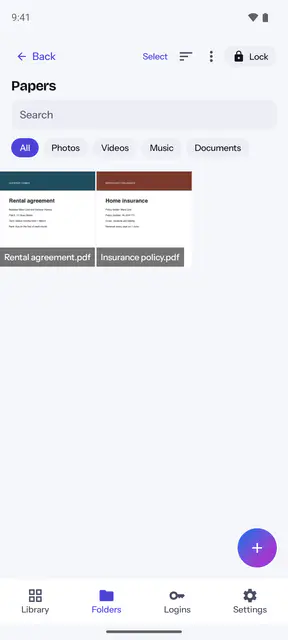
 Android
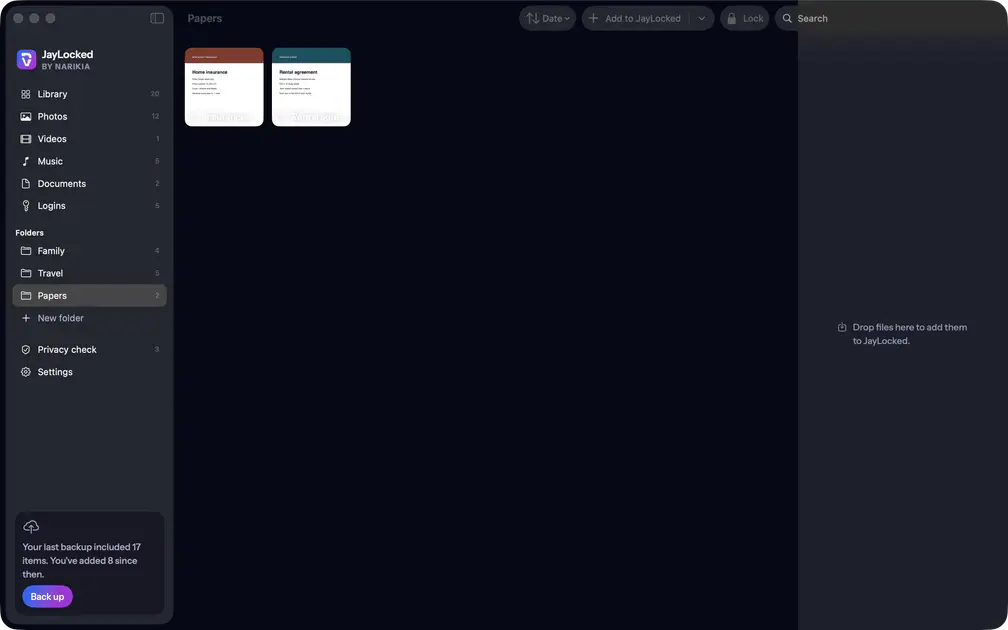 Mac
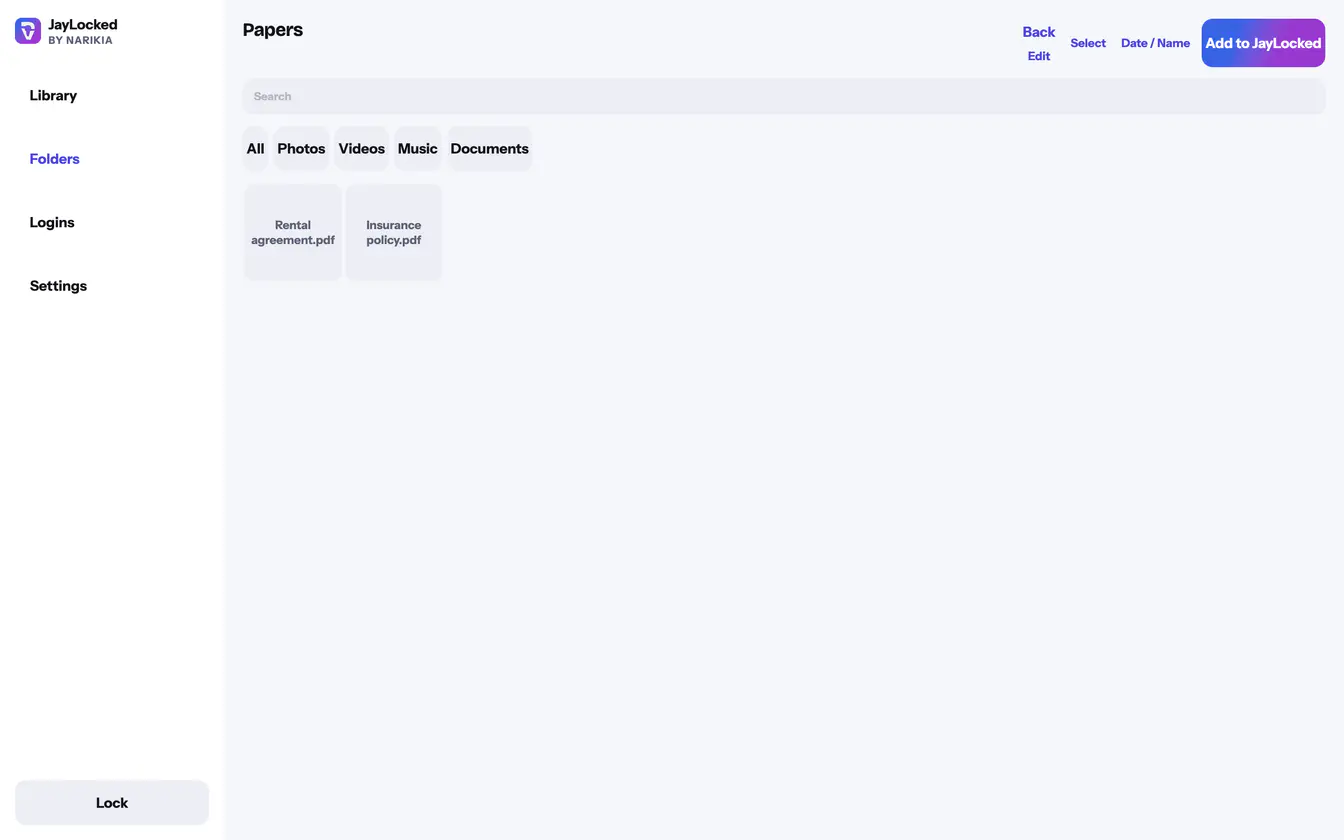 Windows


What differs from system to system
- iPhone and iPad
- Only PDFs open inside. Any other document shows a note that JayLocked cannot show this kind of file, with Export original in its menu.
- Android
- Only PDFs open inside. Any other document shows a note that JayLocked cannot show this kind of file, and Export original passes a copy to Android's share sheet.
- Mac
- Only PDFs open inside. Any other document shows a note that JayLocked cannot show this kind of file, and Export original writes it into a folder you pick.
- Windows
- Only PDFs open inside, and a text file does not. A document's tile in the library shows its name with no preview picture, and a very large PDF is drawn only up to a limit.
Where it ends
- Text files, Word files, spreadsheets and archives do not open inside JayLocked.
- An exported document is an ordinary file again, outside the vault's protection.