Library and folders
Everything you keep is in one library, the newest first, with kinds, search and sorting. Folders hold files, logins and other folders.
On
 iPhone and iPad
 Android
- Mac
 Windows
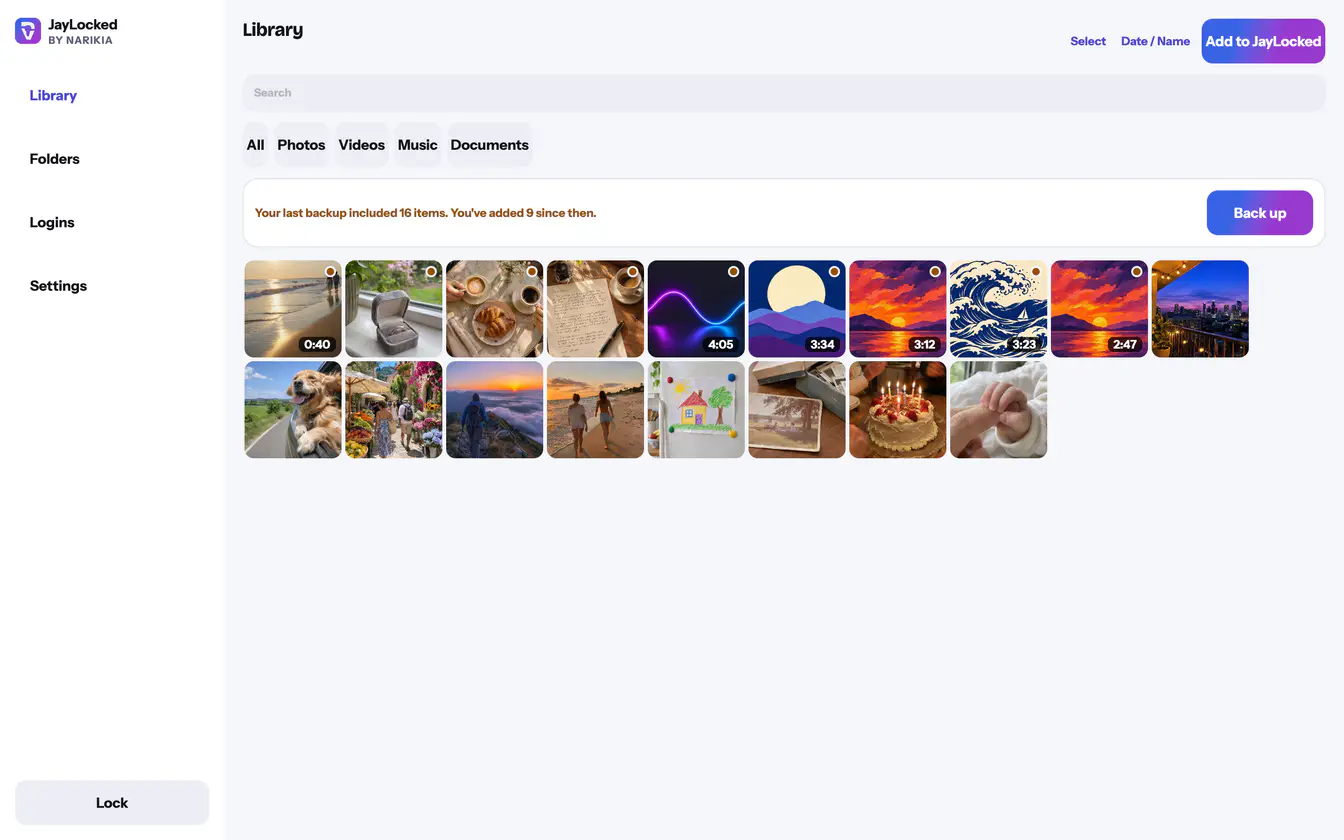
The library shows everything in the vault as a grid of previews, the newest first. It narrows to Photos, Videos, Music or Documents, sorts by Date or Name, and Search finds an item by its name.
Folders keep related things together. A folder holds files, logins and further folders, so an insurance policy can lie next to the login for the insurer's website. While no folder exists, JayLocked offers three to start with: Family, Travel and Business.
Each item has four actions: Export original, Rename, Move to folder and Delete. Several items can be moved or deleted in one go.
- Two filters sit with the sorting. Not backed up yet shows what the last backup does not hold, and Original still outside shows what still has its original outside the vault.
- An item that the last backup does not hold carries a small mark on its preview.
- Deleting an item asks first and cannot be undone. Backups made earlier still have it.
- Removing a folder keeps what was inside. Its files, logins and folders move up into the folder it was in, or out of every folder.
- A card says what your last backup holds, and offers a new backup when something is missing from it.
- An open folder shows the folders inside it first, then its files and logins. A new folder made there goes into that folder, and Move to folder lists all folders, each one under the folder it is in.
- The number on a folder counts the folders, files and logins that lie directly in it.
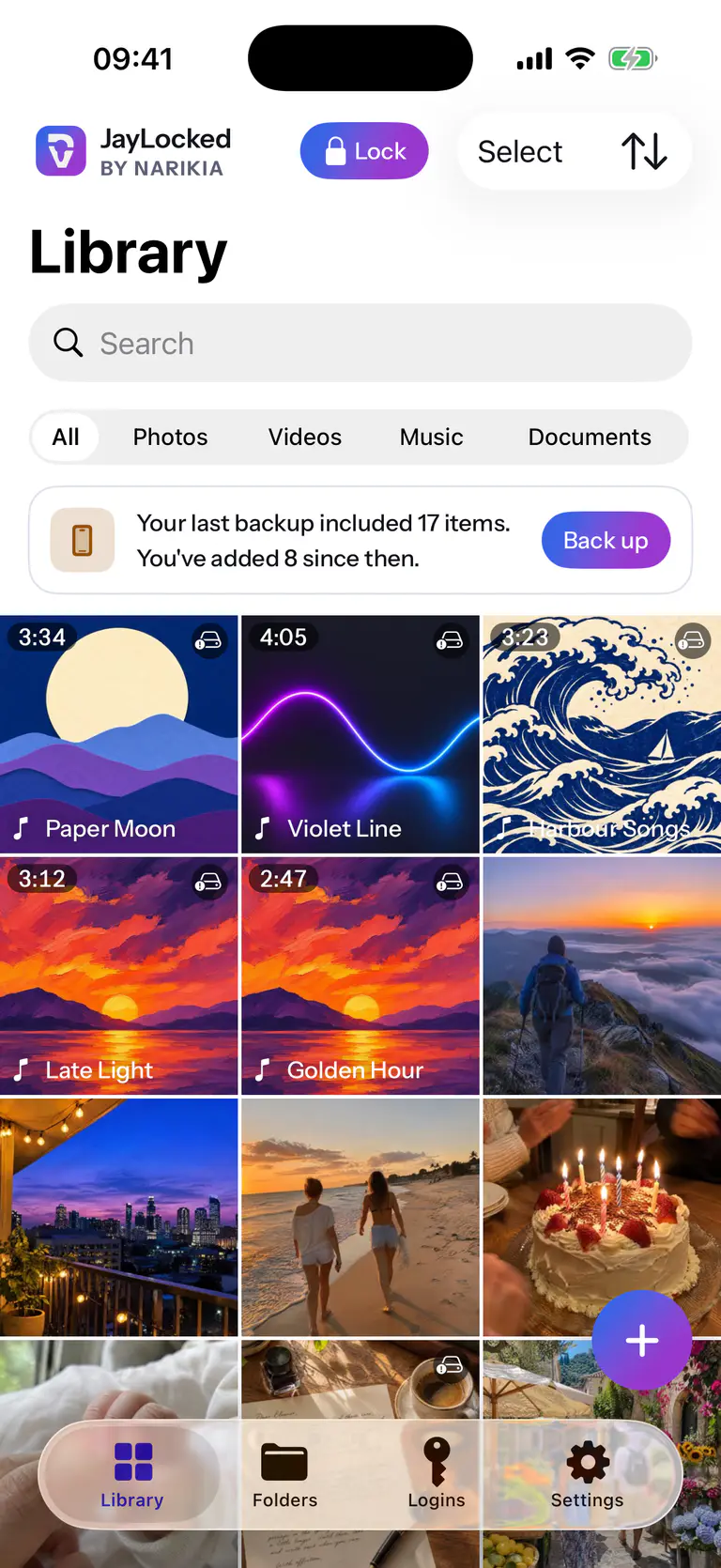
 iPhone

 Android
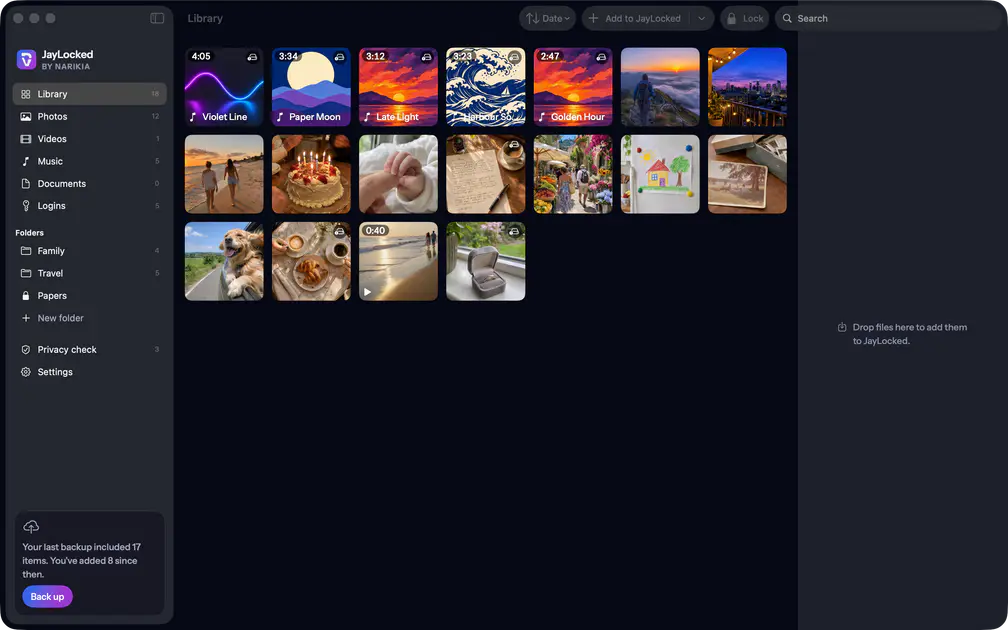 Mac
 Windows


What differs from system to system
- iPhone and iPad
- The kinds are a row at the top of the Library tab and Select picks several items. A photo opens one at a time with no swiping to the next. Folders are a tab of covers, and an open folder shows the folders inside it as covers above its files.
- Android
- The kinds are a row of filters under the search field, and Select picks several items. Folders are a tab of covers, and an open folder shows the folders inside it as covers above its files. Search in an open folder also finds its folders and logins.
- Mac
- Kinds and folders are entries of the sidebar, each with its count, and a pane on the right shows the selected item. A folder inside another stands under it in the sidebar, set further in. Items are selected by click, with the Command and Shift keys for several.
- Windows
- The kinds are a row of filters under the search field, and Select, the sorting and the actions are written as words. Folders are a page of covers, and an open folder shows the folders inside it as covers above its files. Search in an open folder also finds its folders and logins.
Where it ends
- Files and logins can be moved from one folder to another. A folder itself stays where it was made.
- Search in the library looks at file names.