Where the original is
After every import JayLocked says where the originals still are and lets you remove them there or keep both. It checks its own copy first.
On
 iPhone and iPad
 Android
- Mac
 Windows
Adding a file to a vault does not take it away from where it was. After every import JayLocked names the place the originals are still in and offers two buttons: one removes them from there, and Keep both leaves them.
Before it offers to remove anything, JayLocked reads its own encrypted copy back and compares it. Only then does it answer for a file.
After adding to JayLocked in Settings decides how this goes: Ask each time, Always remove the originals or Always keep the originals. It starts on Ask each time.
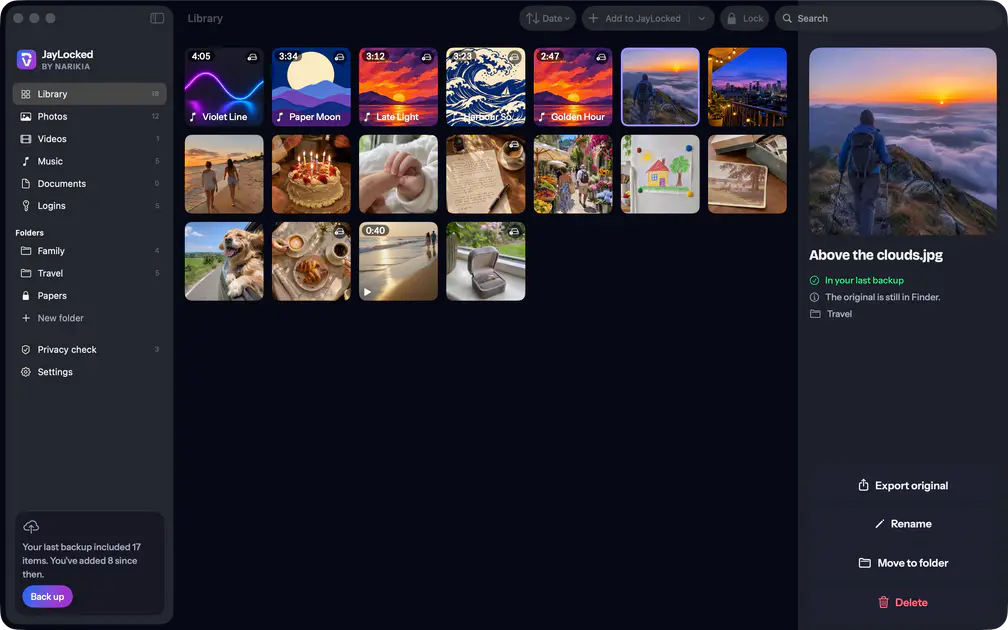
- Every item says where its original is: still in the place it came from, removed from there on a certain day, or taken in JayLocked and so the only copy.
- The filter Original still outside in the library's sort menu shows the items whose original is still outside the vault.
- The privacy check counts the originals that are still outside, place by place.
- Before a photo leaves the photo library, the system itself asks you to confirm.
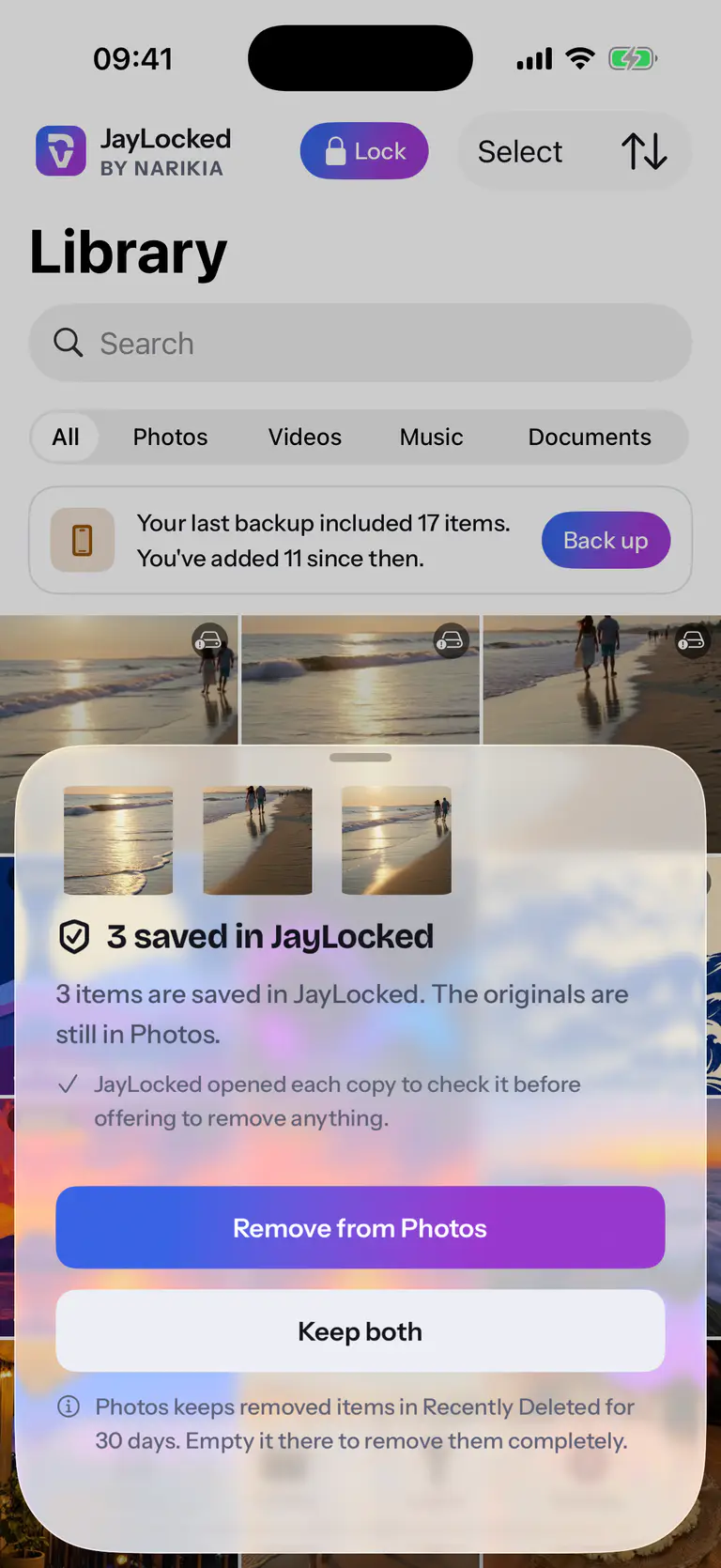
 iPhone
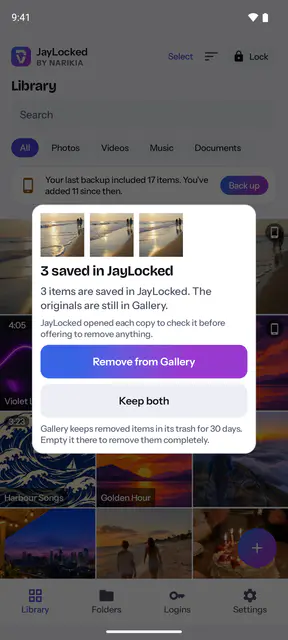
 Android
 Mac
 Windows


What differs from system to system
- iPhone and iPad
- Photos removed from Photos go to its Recently Deleted for 30 days, after Photos asked to confirm. That needs access to the photo library, which iOS asks about at the first import from Photos, or here if you declined then. A file picked in Files is deleted for good, so Always remove the originals acts by itself for Photos only.
- Android
- Photos removed from Gallery go to its trash for 30 days, after Android's own confirmation. A file picked in Files is deleted for good and is asked about each time.
- Mac
- Files go to the Trash with Move the originals to the Trash, and photos removed from Photos go to its Recently Deleted for 30 days. On the Mac Always remove the originals covers files too.
- Windows
- Move the originals to the Recycle Bin puts the originals in the Recycle Bin, where Windows keeps them until you empty it. With Always remove the originals that happens right after every import, without a question.
Where it ends
- Originals are removed right after the import or not at all. Later JayLocked shows which items still have an original outside and offers no removal.
- A photo removed from the photo library stays among its deleted photos for 30 days unless you empty that yourself. JayLocked says so and says where.
- A file that another app handed over cannot be removed from that app by JayLocked.