Export originals
JayLocked writes your files back out in their original formats, with their names and folders, whenever you ask. That will never cost anything.
On
 iPhone and iPad
 Android
- Mac
 Windows
Export originals on the Backup and export screen writes every file in the vault into a folder you choose: in its original format, under its own name and in its own folder. It asks for the vault passcode first.
One item goes out by itself with Export original, which is among the actions of every item and of both players.
Also export logins adds your logins as a list that browsers and password managers can read. That list is not encrypted, and JayLocked says so before it writes it.
- While it runs, JayLocked shows how far the export is. At the end it says how many files were exported, how many were already there and how many were left out because their folder is closed.
- An export stops when the vault locks. Choose the same folder again and it carries on where it left off, leaving alone what is already there.
- An export never writes over another file.
- On phones and on the Mac the screen is kept awake during an export.
- Every file comes out under the name it came in with. Two files of the same name in one folder are told apart by (2) after the second one's name.
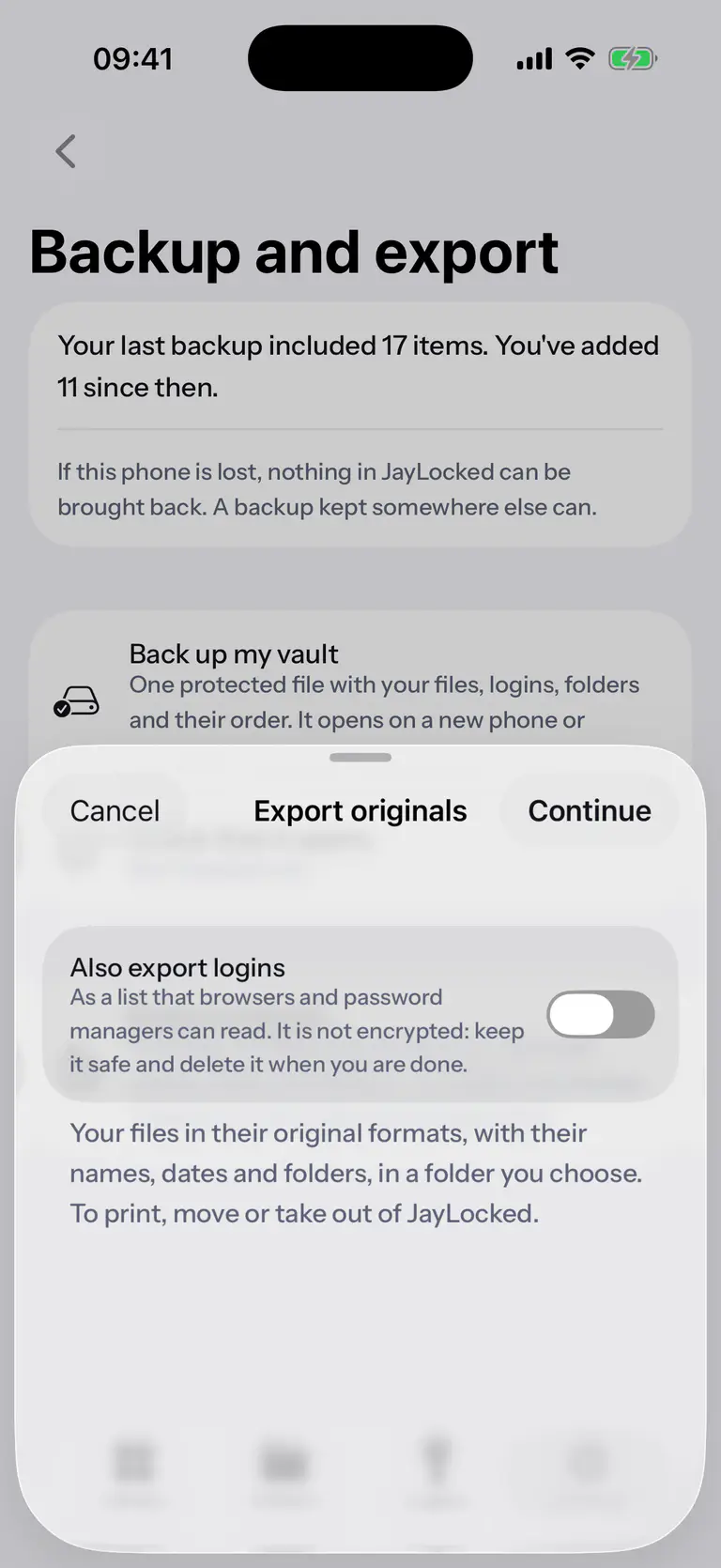
 iPhone
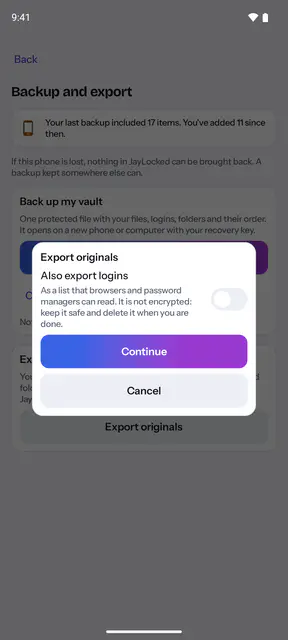
 Android
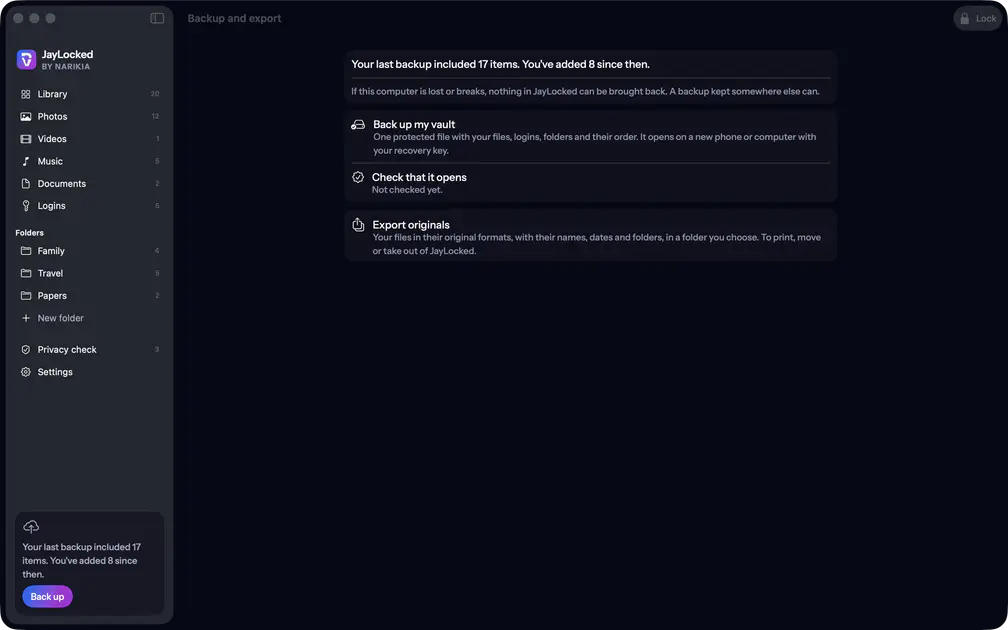 Mac
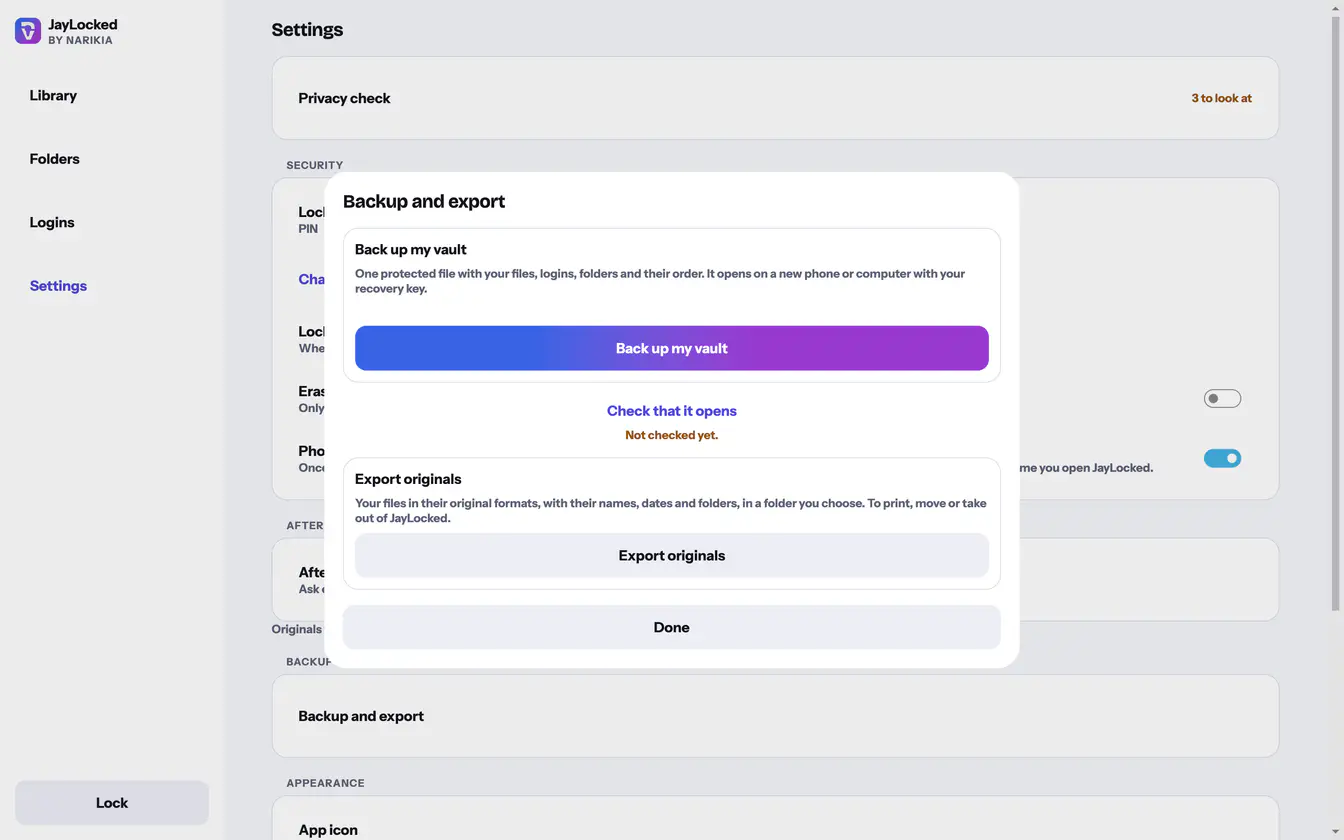 Windows


What differs from system to system
- iPhone and iPad
- The folder is chosen in the Files app, and files come out with their dates. One item is handed to the system's sheet, which saves a copy in Files.
- Android
- The folder is chosen in Android's folder picker, and exported files carry the day of the export as their date. One item goes out through Android's share sheet.
- Mac
- The folder is chosen in the Mac's own panel, and files come out with their dates. One item is written straight into a folder you pick, with no copy made on the way.
- Windows
- The folder is chosen in the Windows folder dialog, and files come out with their dates. One item is written into a folder you choose.
Where it ends
- Exported files are ordinary files again. Whoever can open that folder can open them.
- Files in a folder that is closed by its password are left out until you open that folder.
- The list of logins is written only when you ask for it. Keep it safe and delete it when you are done.
- A name is changed only where the system cannot hold it. Android and Windows take none of the characters \ : * ? " < > |, which become an underscore there, and a dot at the start of a name is dropped on every system so that no export writes a hidden file.