Video player
Videos play inside the vault in JayLocked's own player, with skipping, speed, subtitles and sound tracks. A video carries on where you stopped.
On
 iPhone and iPad
 Android
- Mac
 Windows
A video opens in JayLocked's own player, which is always dark. Only the part that is playing is decrypted, never a full copy on the device, and the video stops when you close the player or the vault locks.
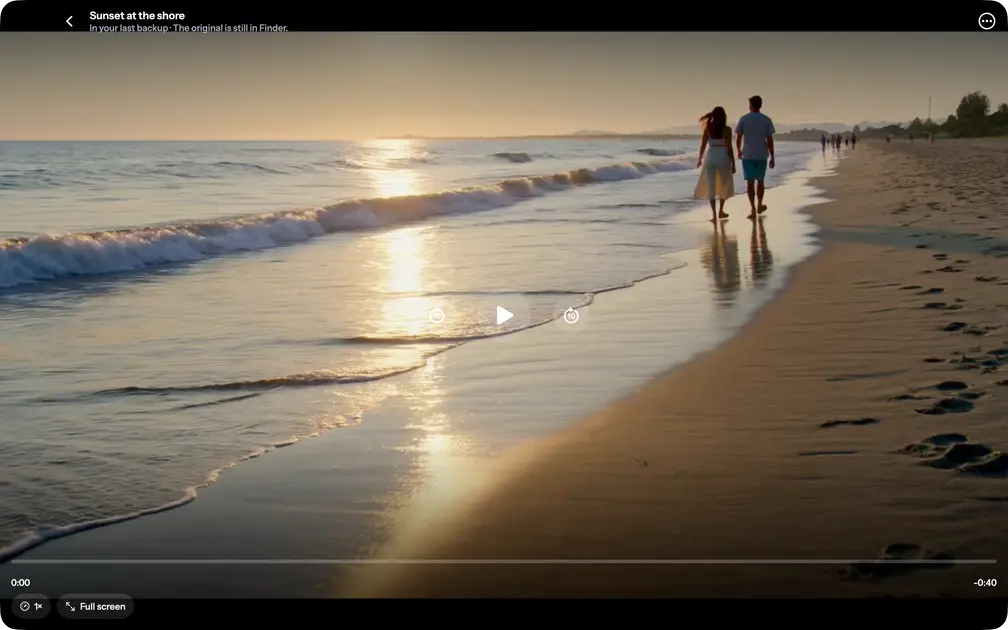
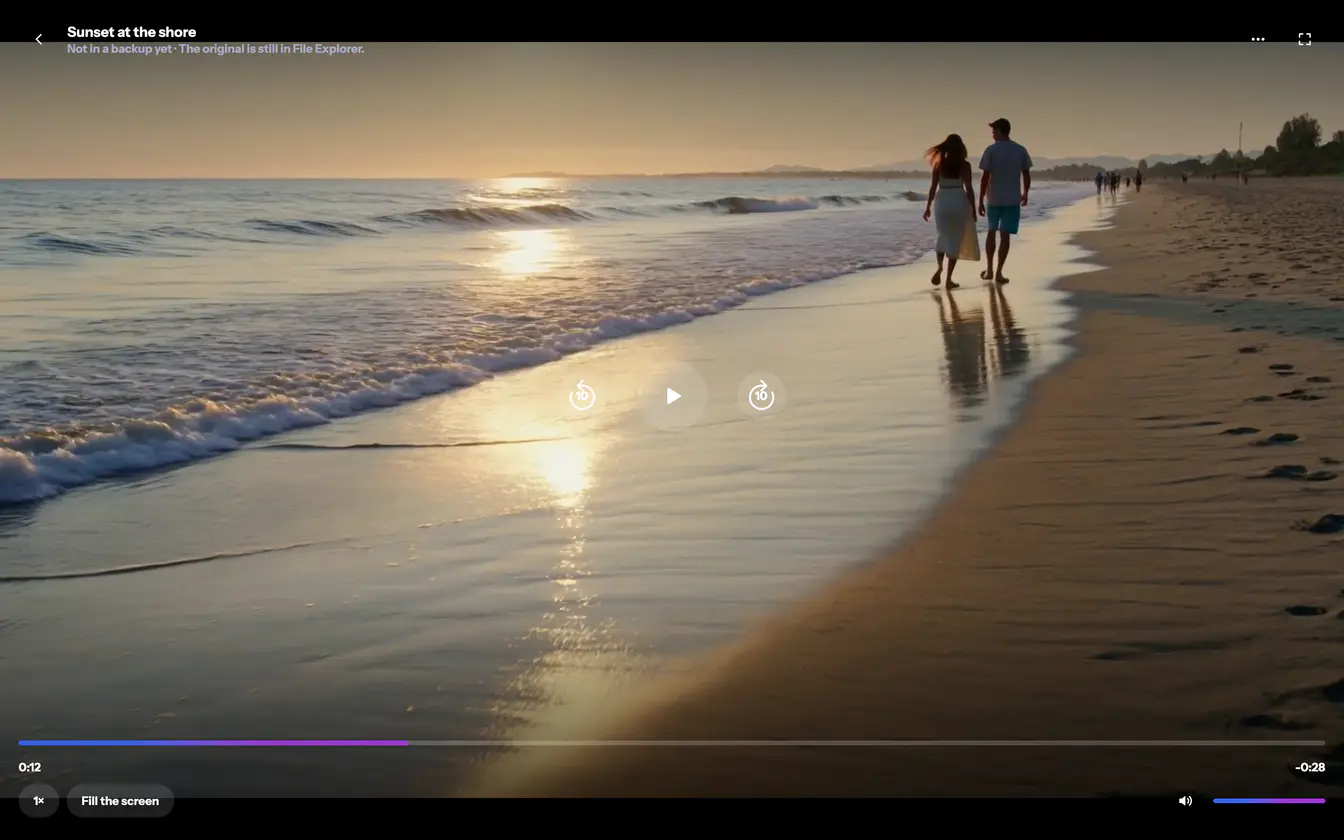
In the middle are the buttons for going back 10 seconds, playing or pausing, and going forward 10 seconds. Below them are the seek bar and Speed, and, when the file has them, Subtitles and Audio for another sound track.
- The controls step aside after a few seconds of playing and come back at a tap, a click or a move of the pointer.
- A video that was stopped carries on there next time, and Start over is offered for a moment.
- The top of the player names the video, says where its original is and says if the last backup holds it.
- On phones and on Windows the screen is kept on while a video plays.
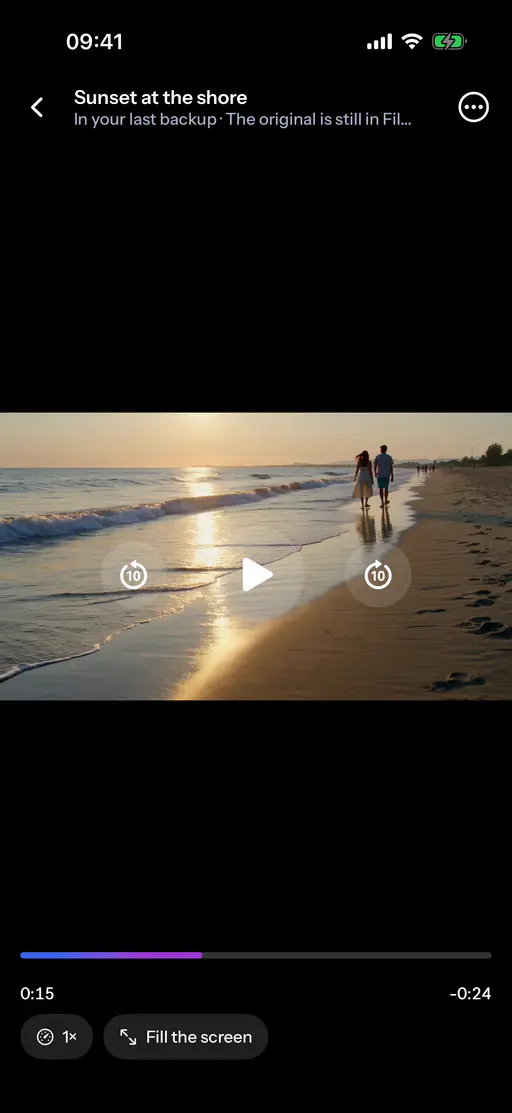
 iPhone
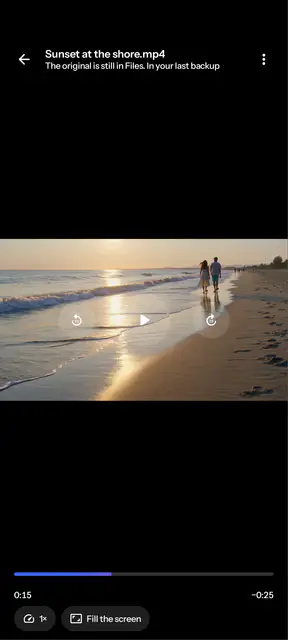
 Android
 Mac
 Windows


What differs from system to system
- iPhone and iPad
- A double tap on the left or right half skips 10 seconds, and a sideways drag across the picture seeks. Fill the screen gives the picture the whole screen, and the phone can be turned sideways for a video.
- Android
- A double tap on the left or right half skips 10 seconds, and a sideways drag across the picture seeks. Fill the screen gives the picture the whole screen, and the phone can be turned sideways for a video.
- Mac
- A double click or the F key gives the video the whole display, as the button Full screen does. Space plays or pauses, the arrow keys skip 10 seconds, and there is no drag across the picture.
- Windows
- The player has Full screen and Fill the screen, Mute and a Volume bar, and keys for playing, skipping, the volume and the whole display. There is no drag across the picture, so the seek bar is used.
Where it ends
- There is no AirPlay, no casting and no picture in picture, because each would show a private picture outside JayLocked.
- A video that cannot be played shows a note, and the file can still be exported.