A passcode of its own
JayLocked opens with a PIN or a pattern you choose for it alone. The lock of the phone or computer never opens it.
On
 iPhone and iPad
 Android
- Mac
 Windows
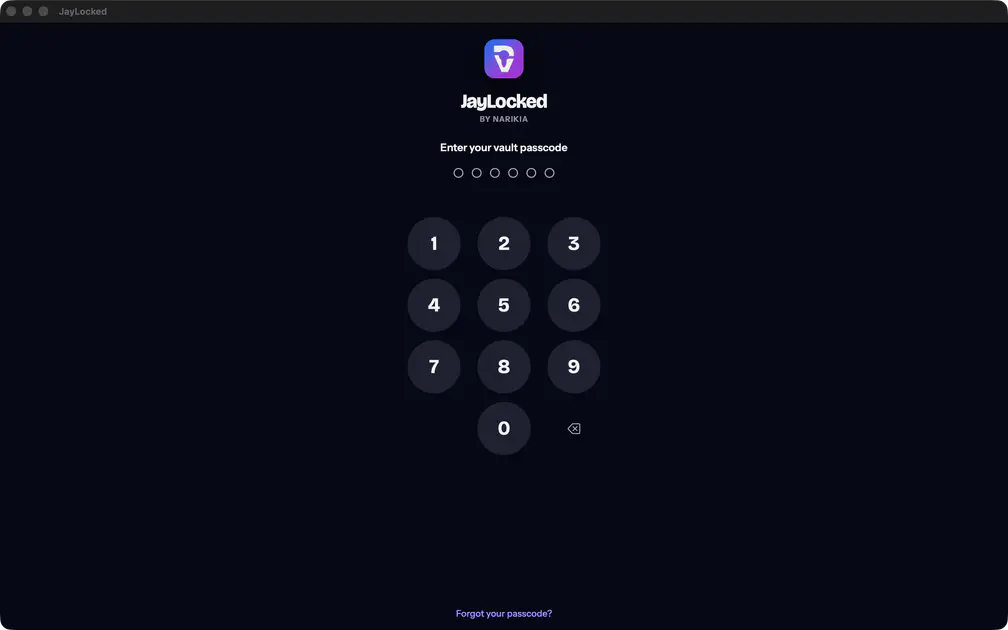
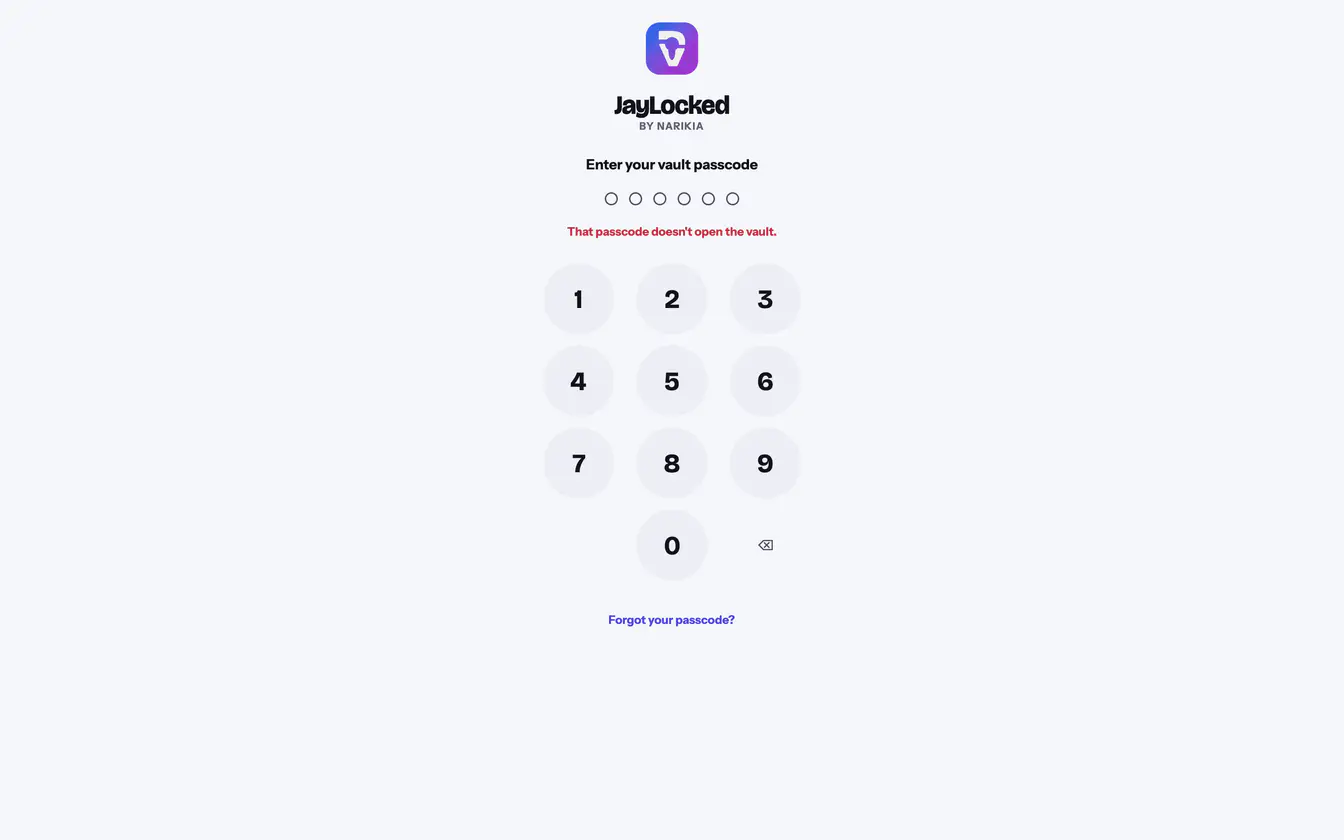
The passcode is a PIN of 6 digits, entered on JayLocked's own keypad, or a Pattern drawn through at least 4 dots. You choose it when you set JayLocked up, and it is asked for every time the vault opens.
Whoever knows how to unlock your phone still stands in front of a closed vault. That is the difference to an album the system hides behind the device's own lock.
- Wrong tries are made to wait. The first 4 cost nothing, the next one waits 30 seconds, and the wait grows to an hour for each further try.
- Change passcode in Settings replaces it, after asking for the current one. The same place takes you from a PIN to a pattern and back.
- JayLocked asks for it again before anything that weakens the lock: a longer time before locking, turning off the photo of wrong tries, exporting everything.
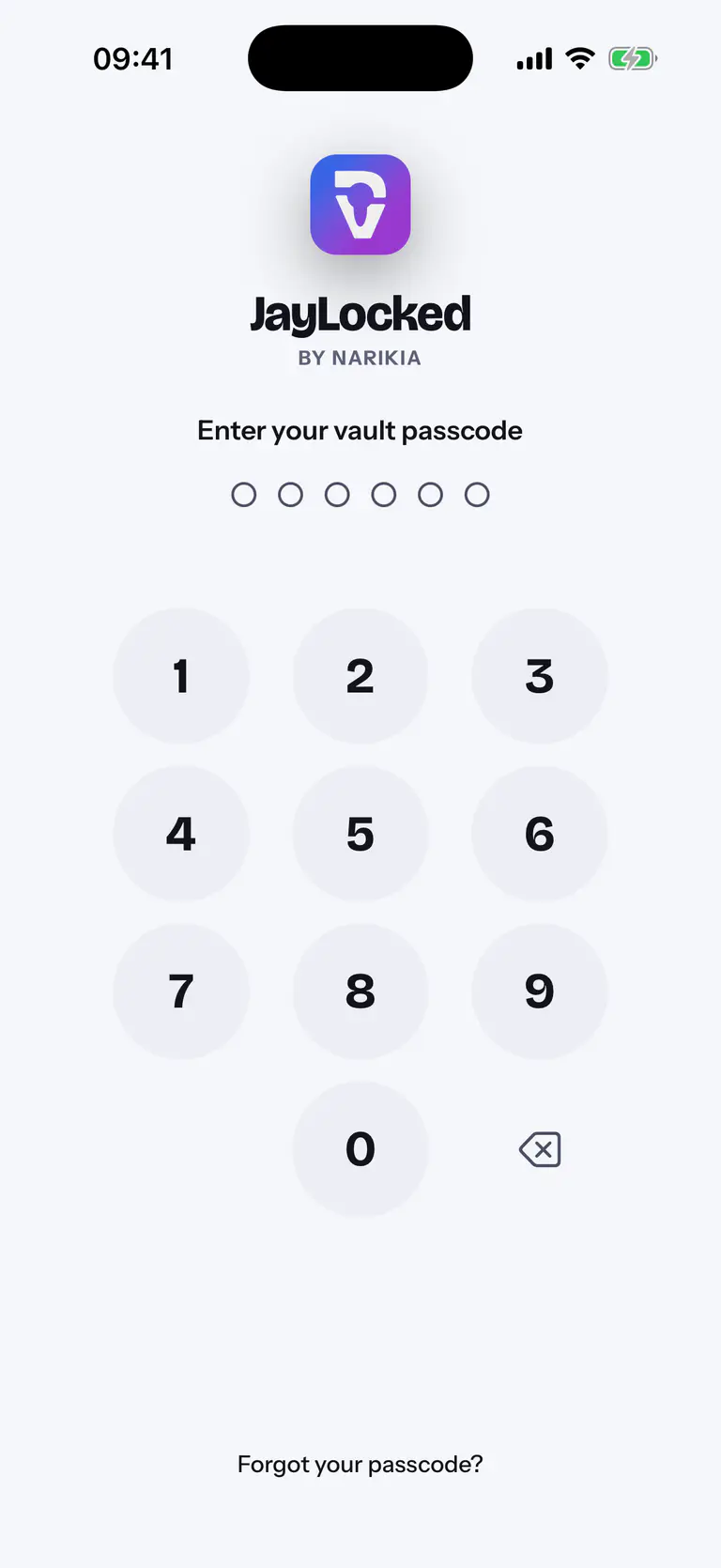
 iPhone
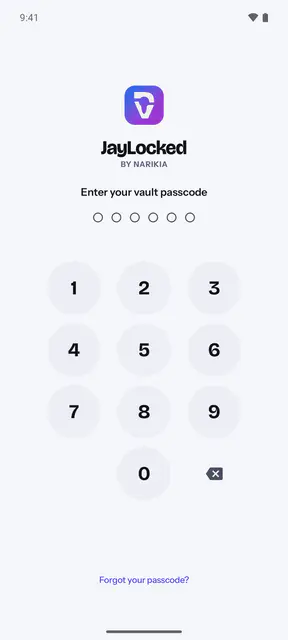
 Android
 Mac
 Windows


What differs from system to system
- Mac
- The digits can also be typed on the keyboard.
- Windows
- The digits can also be typed on the keyboard.
Where it ends
- A passcode someone watched you enter protects nothing. Face ID or a fingerprint spares you entering it in front of others.
- A forgotten passcode is replaced with the recovery key only. Without both, nobody opens the vault, Narikia included.
How to
- Set up JayLocked The first time you open JayLocked, choose the PIN or pattern that opens your vault from then on. No account is asked for.
- Change the vault passcode Replace the PIN or pattern that opens JayLocked with a new one, or go from a PIN to a pattern and back.
- Open the vault when you forgot the passcode Open JayLocked with your recovery key and choose a new passcode. This works only if a recovery key was saved before.