Check that a backup opens
JayLocked opens a backup file with your recovery key, reads every item, changes nothing and tells you what the backup holds.
On
 iPhone and iPad
 Android
- Mac
 Windows
A backup only helps if it opens. Check that it opens on the Backup and export screen lets you pick a backup file and type its recovery key. JayLocked then reads every item in it and changes nothing.
The answer is a count: how many files, logins and folders the backup has. As proof JayLocked offers to open one file, read straight from the backup and not from your vault.
- A wrong key, a damaged file and a backup made by a newer JayLocked each get a plain answer of their own.
- The screen keeps the day of the last check, or says that the backup was not checked yet.
- The privacy check asks for a check when the last backup was never checked, or when its last check is more than 90 days old.
- A photo from the backup is shown. Any other kind of file is named and not shown.
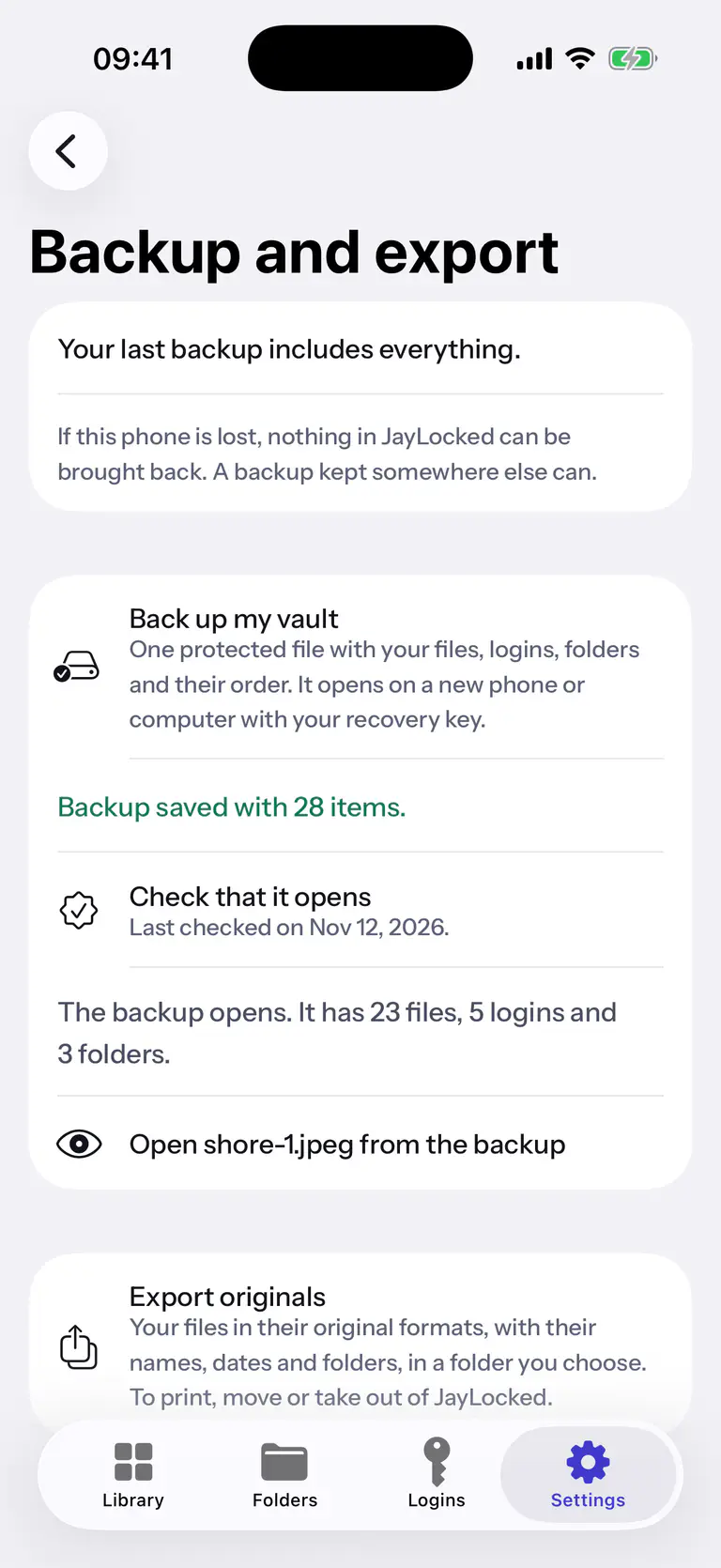
 iPhone
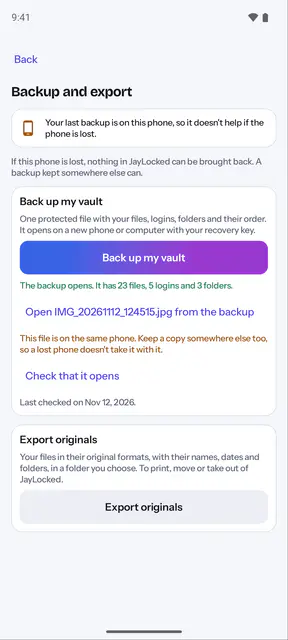
 Android
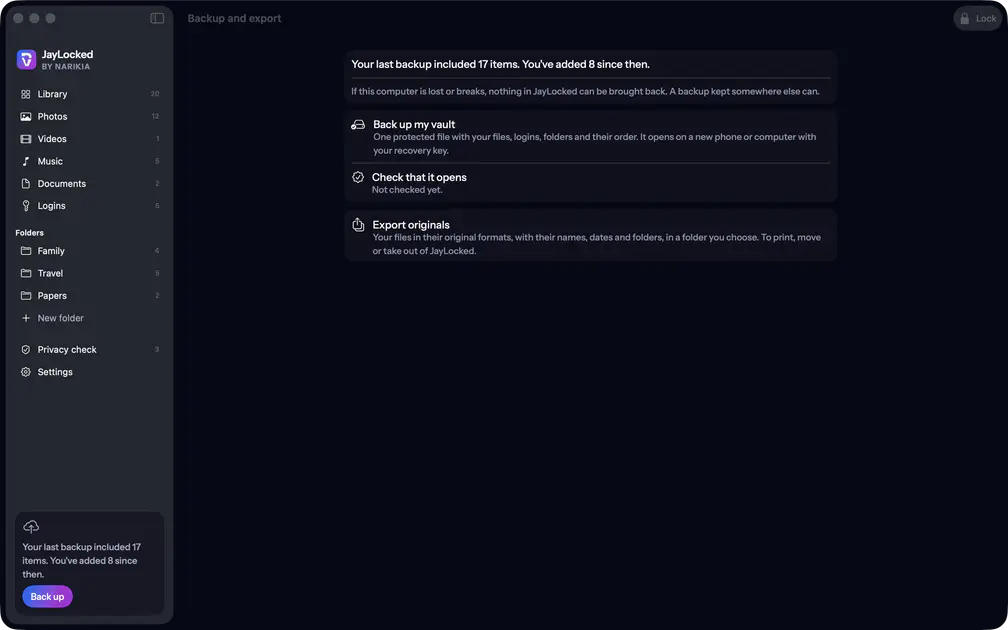 Mac
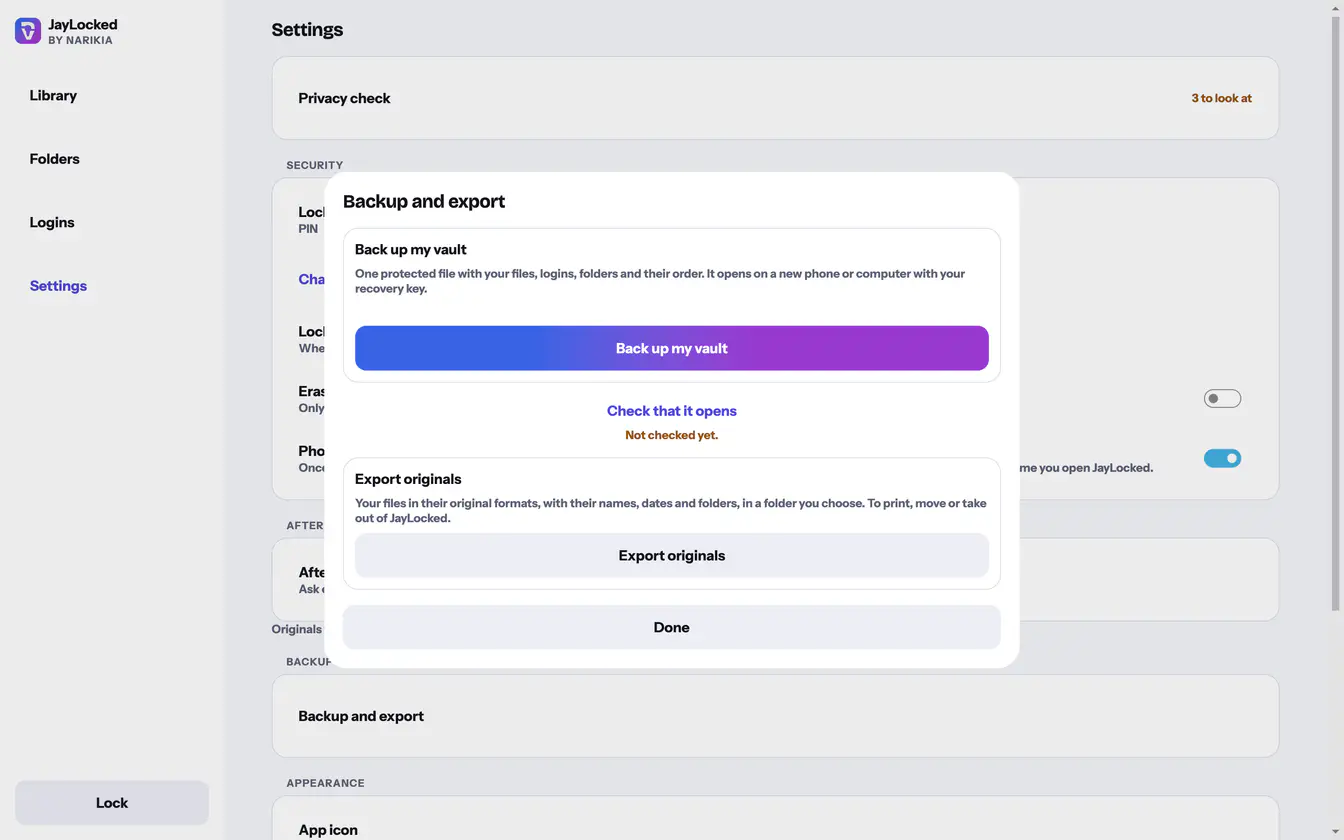 Windows


Where it ends
- The day of the check is kept only when the file you checked is the last backup made on this device.
- The check needs the recovery key. Without it a backup can be neither checked nor opened.
- Which file is offered as proof is JayLocked's choice.